VS Code Extension

Think while
AI works.

Your in-IDE scratch pad for AI-assisted development. Capture next tasks, store reusable snippets, track clipboard history — without switching windows or breaking flow. View source on GitHub →
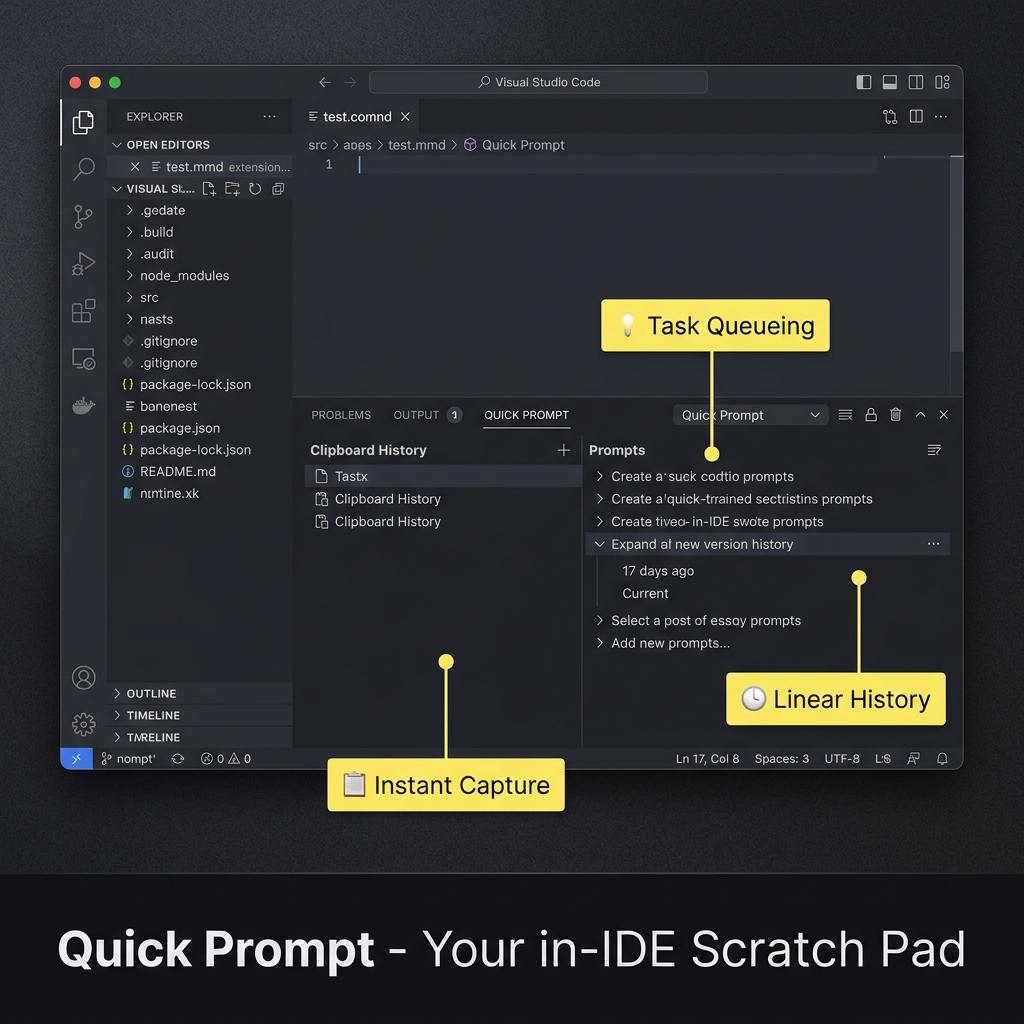
Quick Prompt VS Code extension — bottom panel with Task Queueing, Instant Capture, and Linear History
Alt+P Search everything instantly
Enter Copy to clipboard
Local AI titles — privacy-first
Features

Built for the gaps between agent turns.
02

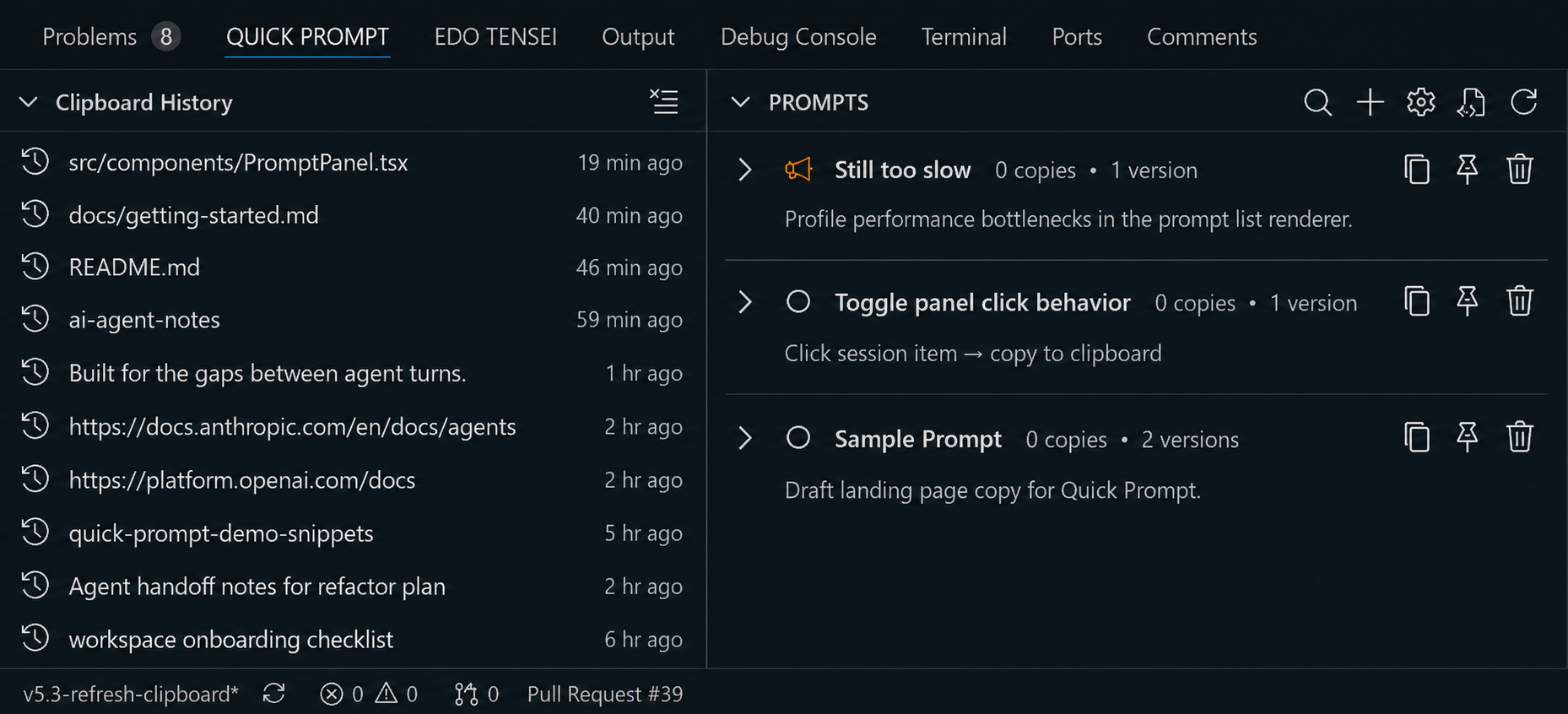
Pin clipboard into prompts

Clipboard history catches copied code, paths, and notes while you move through a task. Pin the useful fragments as saved prompts when they should become reusable handoff material.

03

Let titles clean up the queue

Local AI can generate semantic titles for saved prompts, so rough captures become readable entries without sending content off your machine.

04

Recall everything with Alt+P

Search prompts and clipboard history from one palette. Type a few characters, pick the right item, and stay in the editor.

05

Send it to the agent chat

Pick the saved prompt or clipboard fragment, then send it into your agent chat window when the next turn is ready. The handoff happens from inside VS Code instead of another note app.
Scoped per workspace.Your prompt library stays tied to the current project, so search results do not mix unrelated snippets from other repositories.
Built for the AI agent era

Everything you capture feeds your next agent.

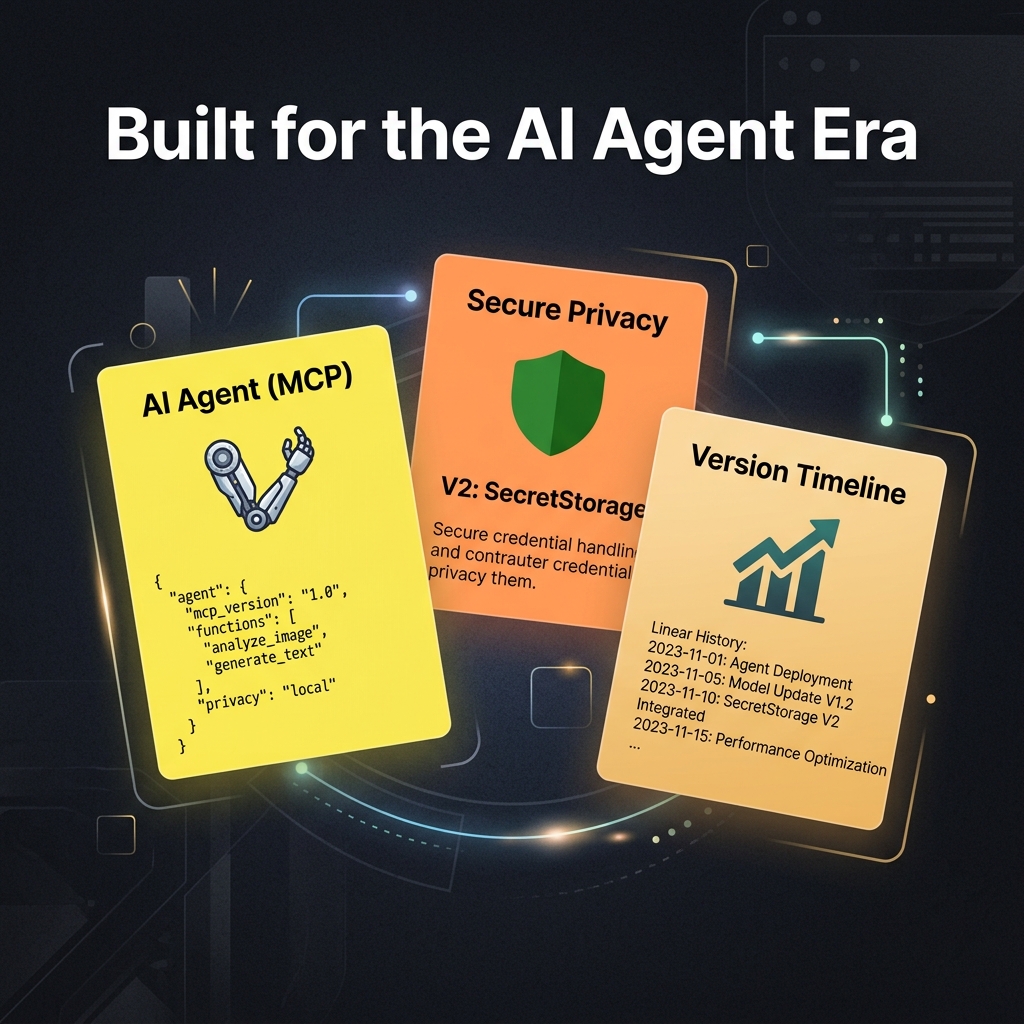
Task queue, clipboard history, version timeline — every piece of Quick Prompt is designed so your ideas flow from thought to agent prompt with the fewest steps possible.

AI Agent MCP, Secure Privacy, Version Timeline features

Choose your registry.

Marketplace and Open VSX are treated as equal install paths. For command-line install in VS Code, press Ctrl+P and paste:

ext install winterdrive.quick-prompt
Registry

VS Code Marketplace

Install from Microsoft Marketplace when you use the standard Visual Studio Code extension gallery.

Open Marketplace
Registry

Open VSX Registry

Install from Open VSX when your editor uses the open extension registry, including VSCodium-style setups.

Open VSX
Agent Skill

Install the Quick Prompt agent skill.

Run Quick Prompt: Install Agent Skill and choose Auto Install (Recommended), or use the same canonical Agent Skills CLI command directly.

npx skills add winterdrive/QuickPrompt
MCP Setup

Connect your agent tools.

After installing the extension, open the VS Code Command Palette and run Quick Prompt: Show MCP Config to generate the right MCP JSON for Cursor, Claude Code, Cline, Kiro, Antigravity, or VS Code.

Works better together.

Quick Prompt captures your thoughts. These companions keep the rest of your workflow organized.

VirtualTabs social preview banner

VirtualTabs

Group files by task across any directory — persisted across sessions, visible at a glance. Perfect for keeping AI context curated before handoff.

Learn about VirtualTabs
Edo Tensei social preview banner

Edo Tensei

Extract AI session histories from Cursor, Claude Code, Copilot, and more. One click copies a complete handoff prompt — picks up where you left off.

Learn about Edo Tensei